

AI · Prompts
Change the wording. Not the code.
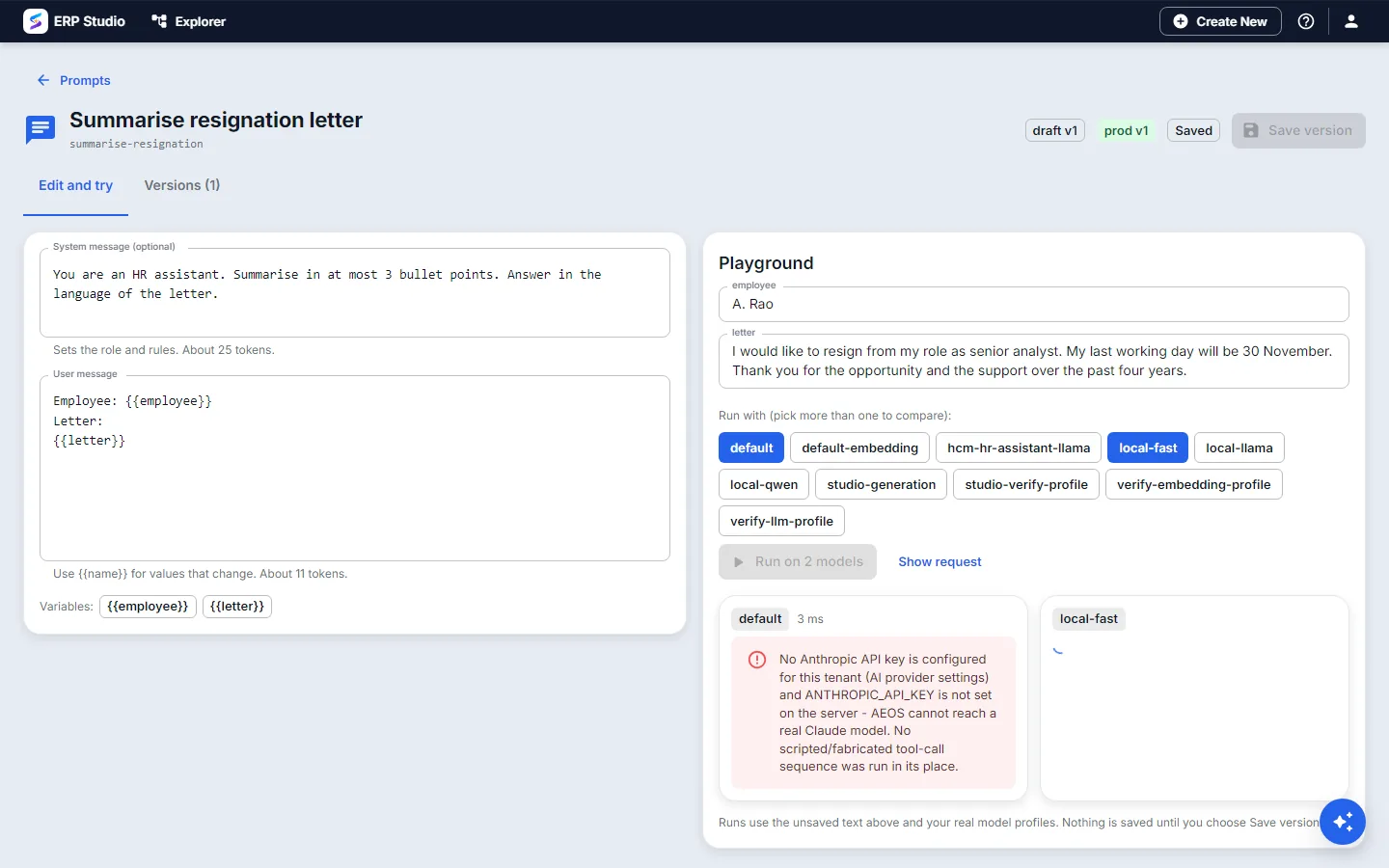
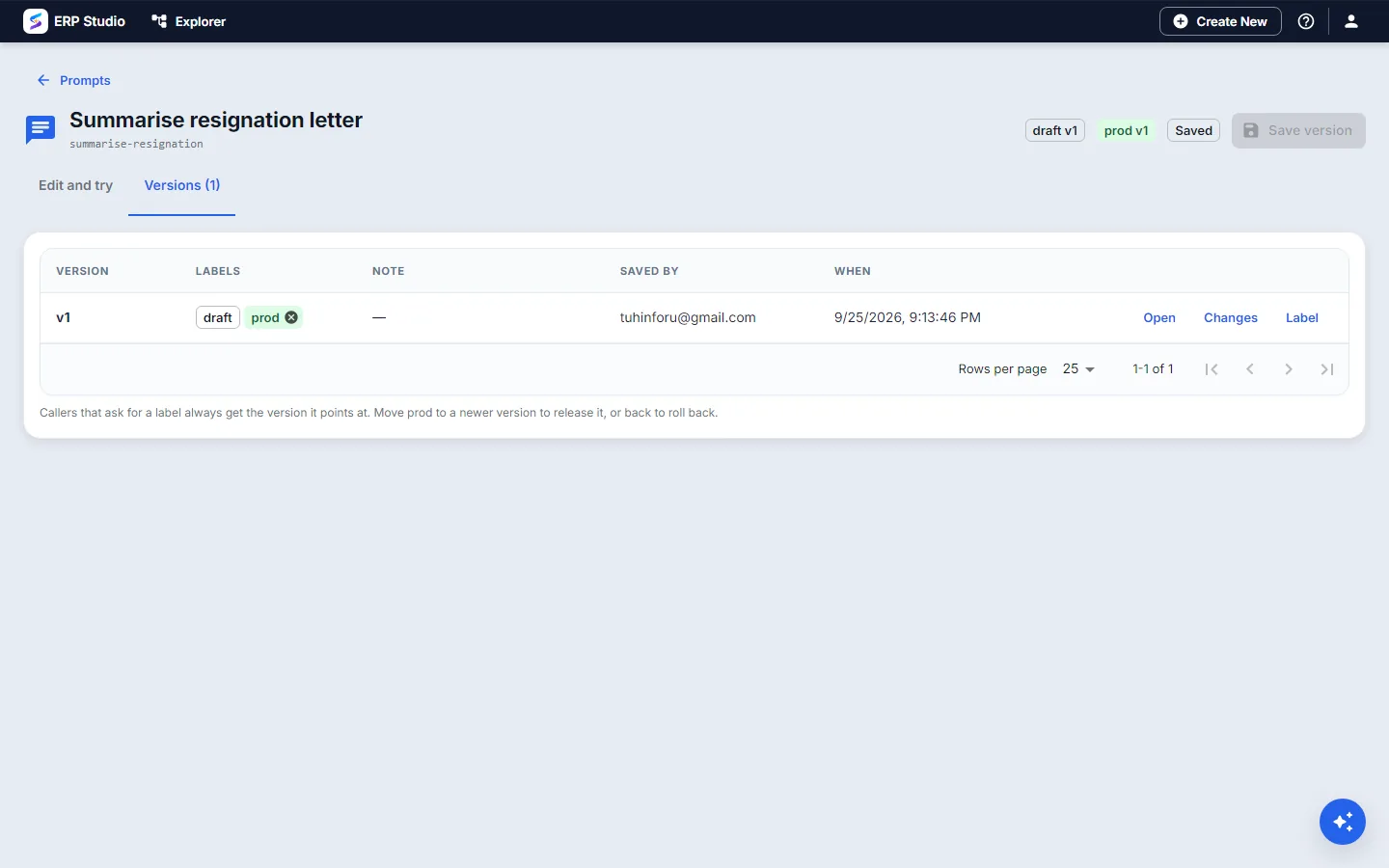
Prompts live outside your code as versions. A label such as prod decides which version callers get, so releasing and rolling back is moving a label. A playground runs the prompt on your real models before you release.
What you can do
Variables
Write prompts with values that change per call.
Versions
Every save is a new immutable version; nothing is overwritten.
Labels
Callers ask for prod. Moving the label is the release and the rollback.
Playground
Run on your real model profiles, with time and token counts.
Compare
Run on more than one model and see the answers side by side.
See what changed
A diff shows exactly what differs from the version before.
The real screens
Release wording like you release software.
Versions, labels and tests, without a deployment.